here is a second set of tags provided with the management plugin installed and enabled by default, which is available on the standard management port of 15672, with the default username and password of guest / guest:
docker run -d --hostname my-rabbit --net mynet --name mq.server -p 15672:15672 -p 5672:5672 rabbitmq:3-management
CREATE USER 'dog'@'localhost' IDENTIFIED BY '123456';
CREATE USER 'pig'@'192.168.1.101_' IDENDIFIED BY '123456';
CREATE USER 'pig'@'%' IDENTIFIED BY '123456';
CREATE USER 'pig'@'%' IDENTIFIED BY '';
CREATE USER 'pig'@'%';
二. 授权:
命令:GRANT privileges ON databasename.tablename TO ‘username’@’host’
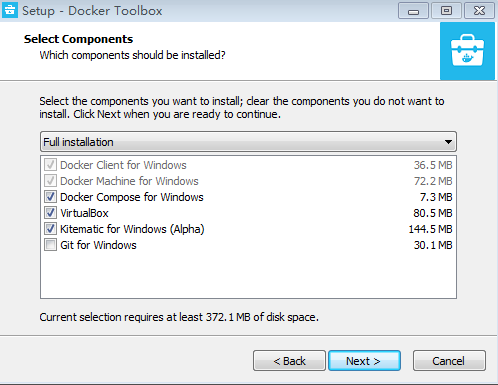
Docker Machine – 可以让你在 Windows 的命令行中运行 docker 引擎命令。
Docker Compose – 用来运行 docker-compose 命令。
Kitematic – 这是 Docker 的 GUI 版本。
Docker QuickStart shell – 这是一个已经配置好Docker的命令行环境。
Oracle VM Virtualbox – 虚拟机。
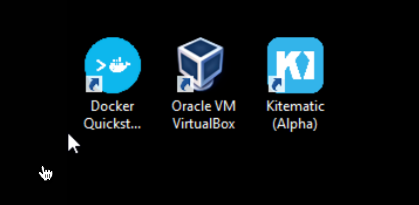
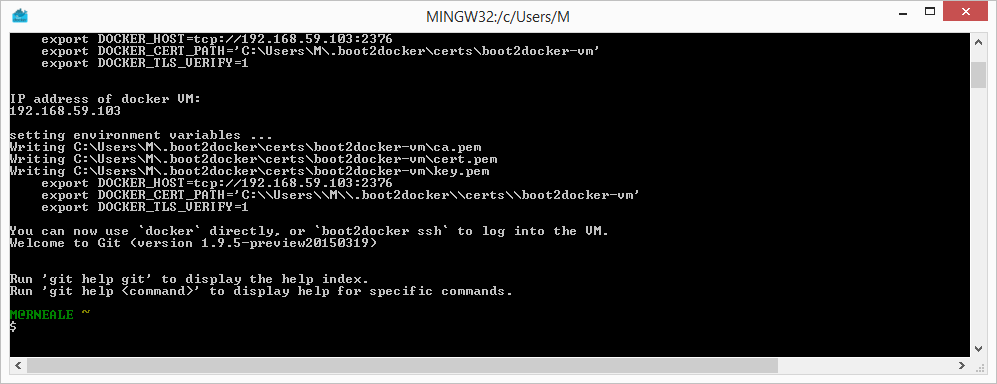
下载完成之后直接点击安装,安装成功后,桌边会出现三个图标,如下图所示:
点击 Docker QuickStart 图标来启动 Docker Toolbox 终端。
如果系统显示 User Account Control 窗口来运行 VirtualBox 修改你的电脑,选择 Yes。
$ 符号那你可以输入以下命令来执行。
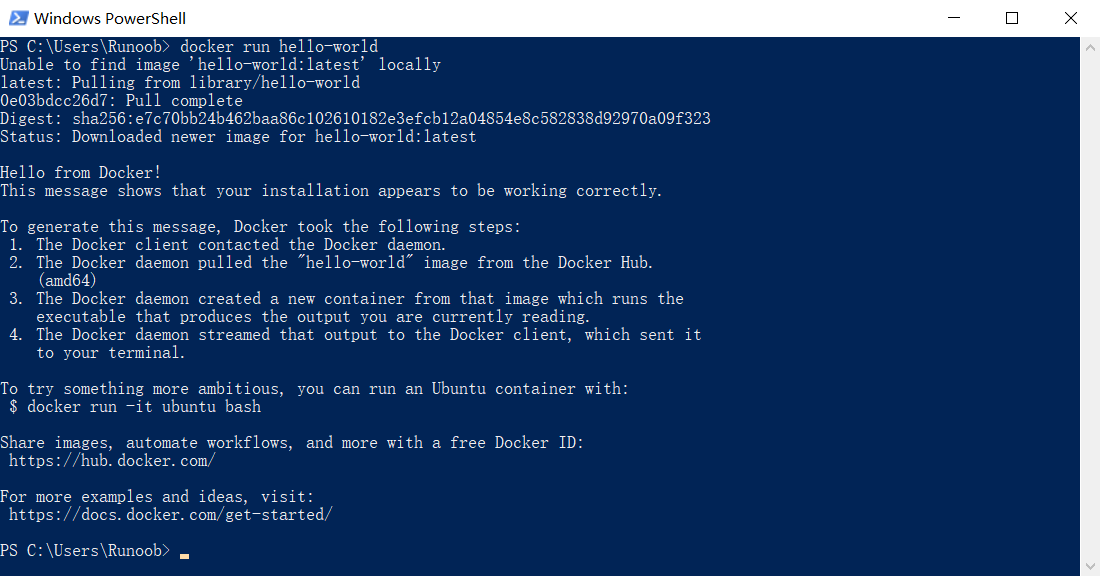
$ docker run hello-world
 Unable to find image 'hello-world:latest' locally
 Pulling repository hello-world
 91c95931e552: Download complete
 a8219747be10: Download complete
 Status: Downloaded newer image for hello-world:latest
 Hello from Docker.
 This message shows that your installation appears to be working correctly.

 To generate this message, Docker took the following steps:
  1. The Docker Engine CLI client contacted the Docker Engine daemon.
  2. The Docker Engine daemon pulled the "hello-world" image from the Docker Hub.
     (Assuming it was not already locally available.)
  3. The Docker Engine daemon created a new container from that image which runs the
     executable that produces the output you are currently reading.
  4. The Docker Engine daemon streamed that output to the Docker Engine CLI client, which sent it
     to your terminal.

 To try something more ambitious, you can run an Ubuntu container with:
  $ docker run -it ubuntu bash

 For more examples and ideas, visit:
  https://docs.docker.com/userguide/
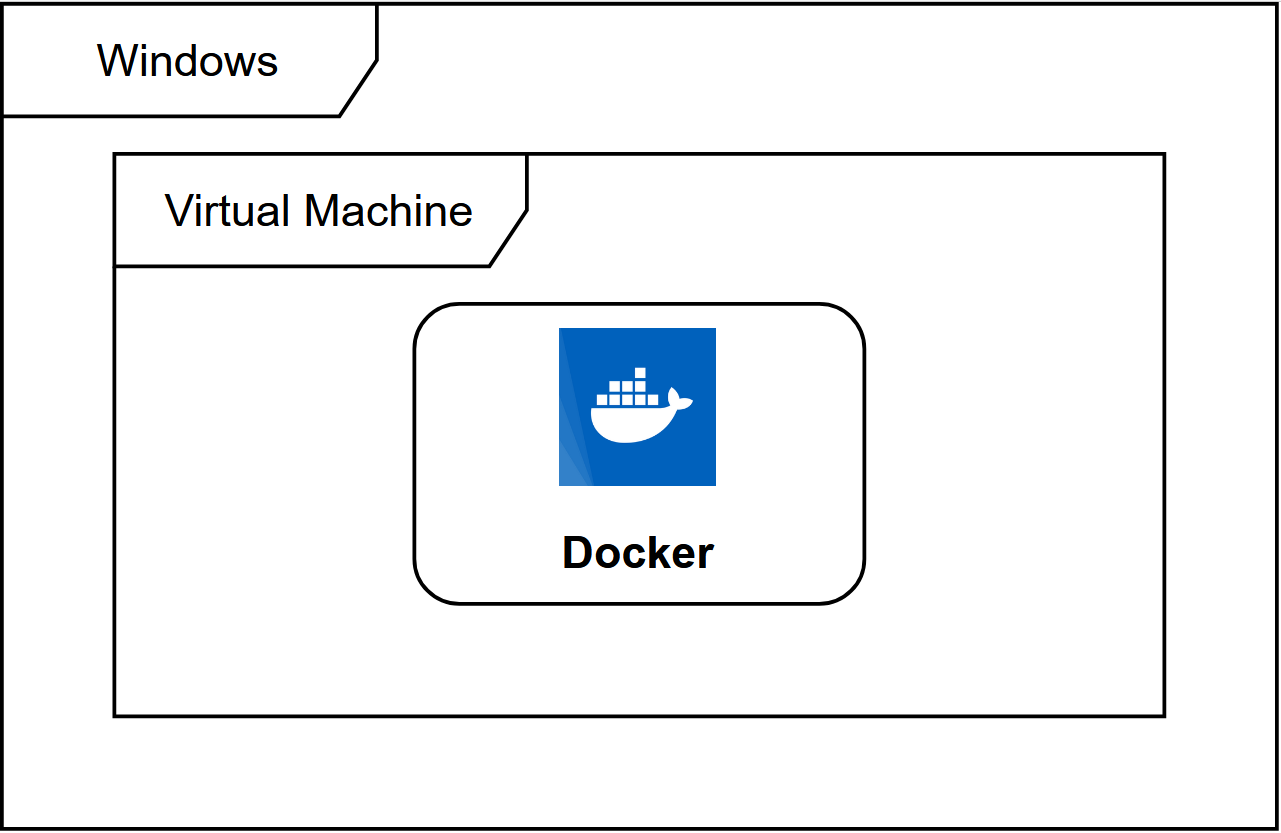
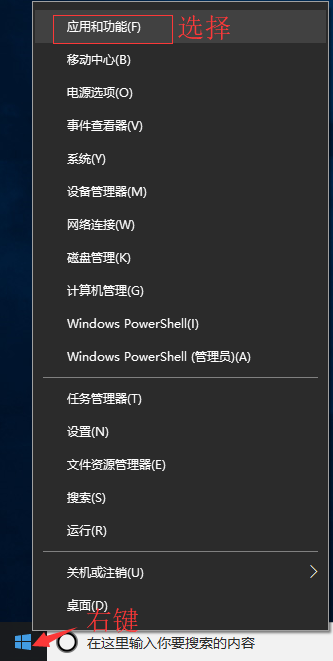



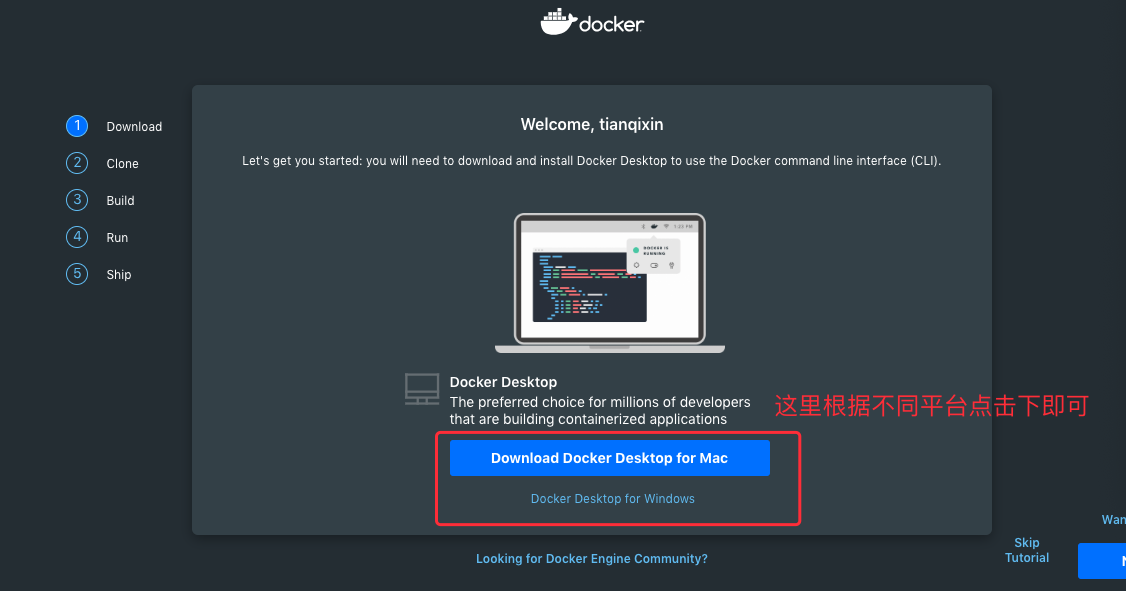

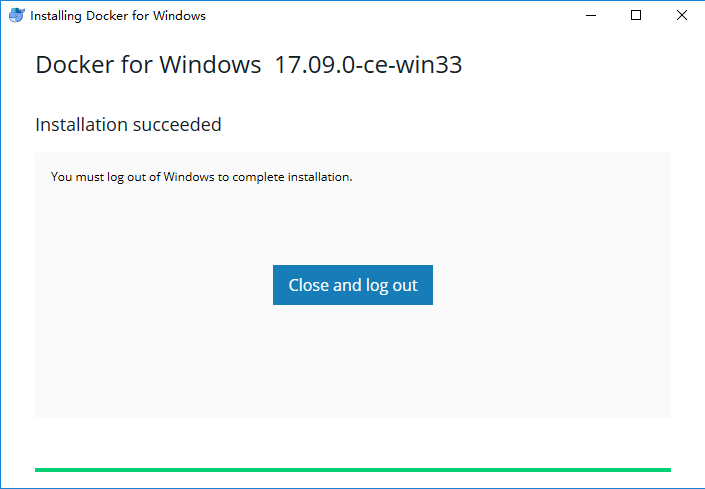
 ,这表示 Docker 正在运行。